
Creating new profiles
Sometime the required profile will not be loaded in the default profile database so you will need to add it.
Upon opening a file that has a profile not currently loaded in the database you will be prompted to manually select it.
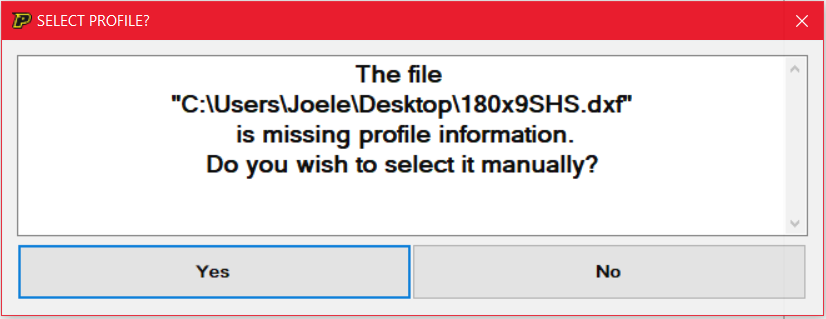
Press “Yes” and you will be taken to a search window to select the required profile,.
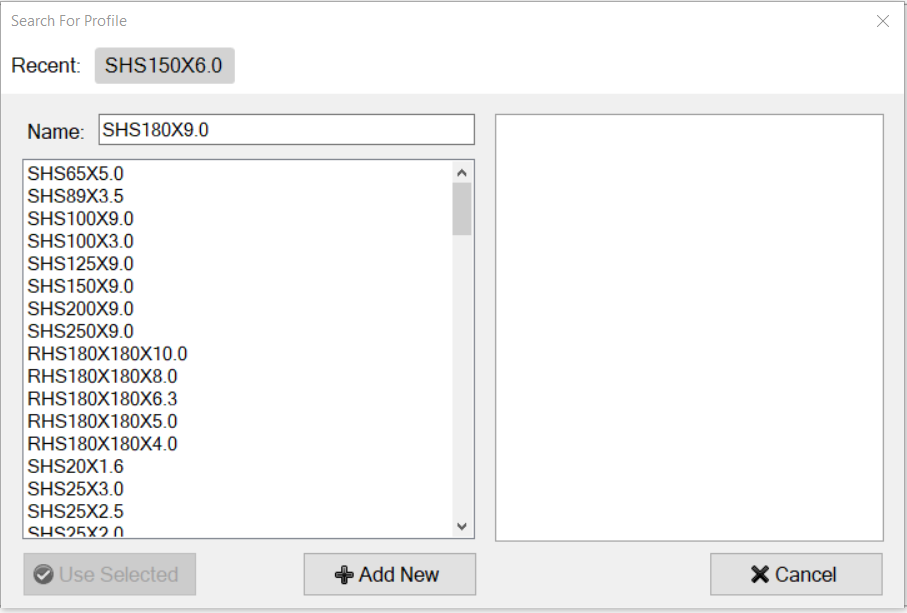
As you can see there are no matching profiles so we will need to select “Add New”.
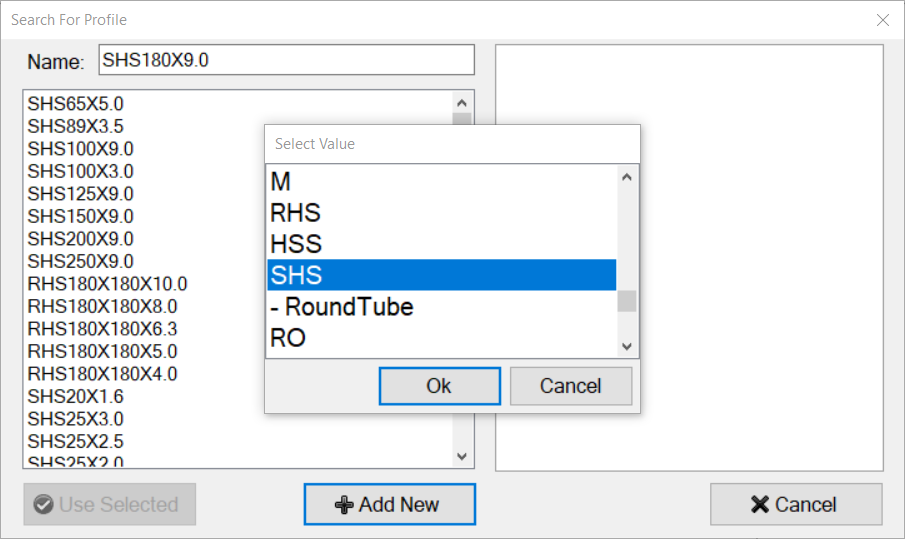
You will be prompted to select the relevant profile that matches the material of your part.
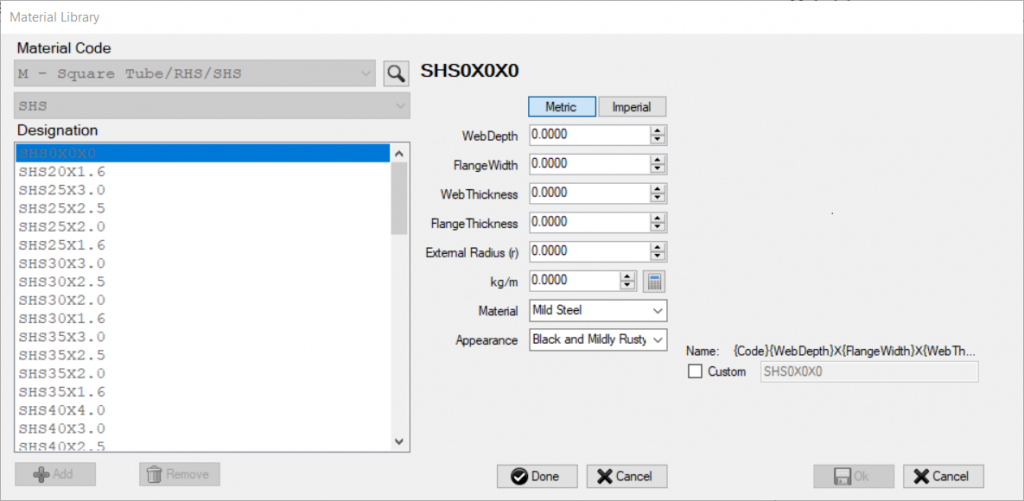
Once selected you will be taken to the material library database, here you can input the data for the required profile, make sure the data is accurate.
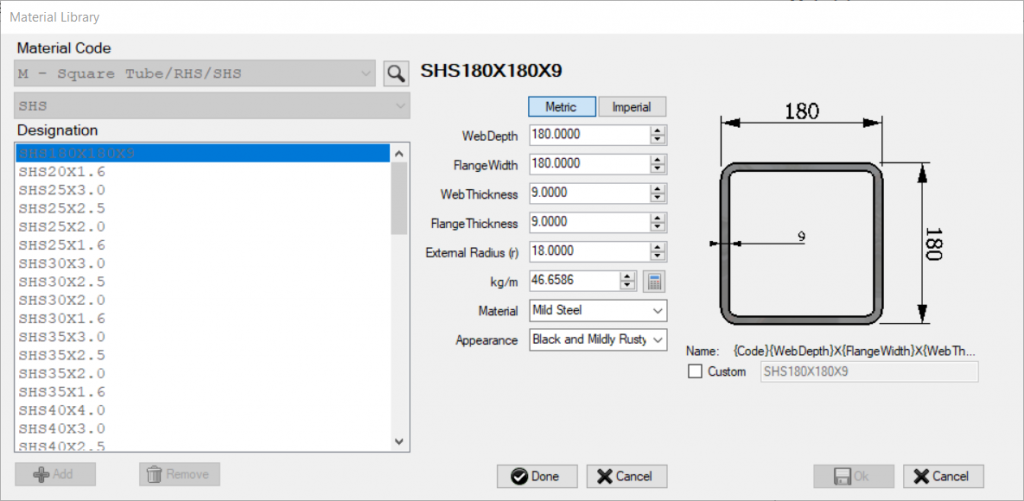
Once you have finished press “Done”.
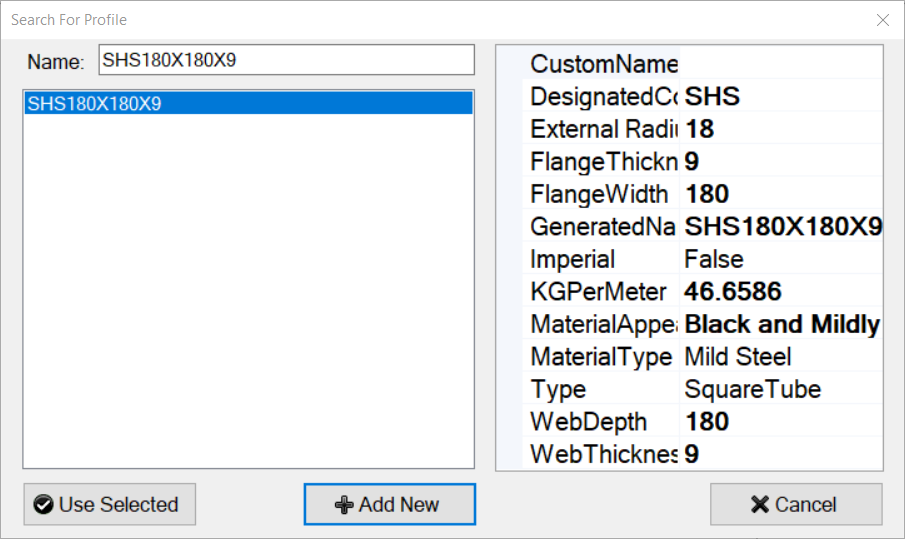
Select the new profile and press “Use Selected”.