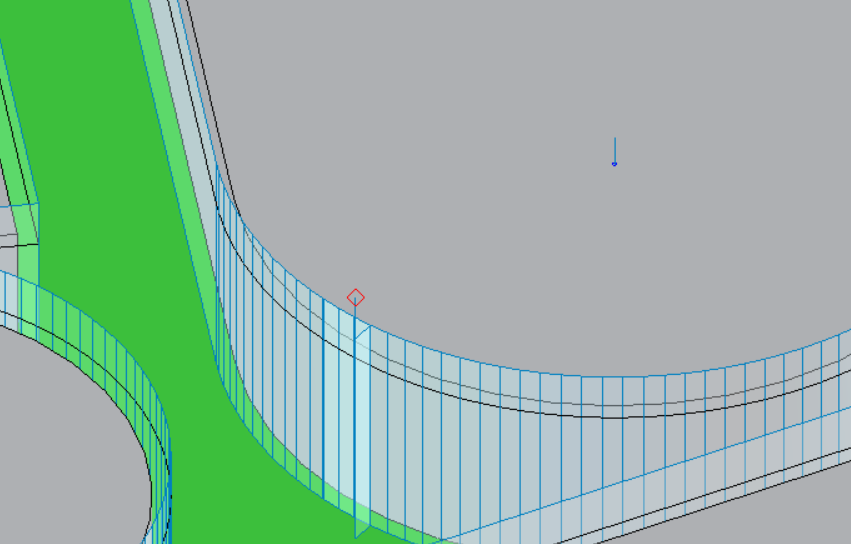
Moving the start point on tool paths
This setting is useful to move the start points of tool paths for interior cuts and plate cutting.
(The setting will not work with on open-ended tool paths)
To move a start point on a tool path select “Modify” in the top main menu.

Then select “Edit Startpoints”

Click and drag the red diamond to where you would like the toolpath to start.