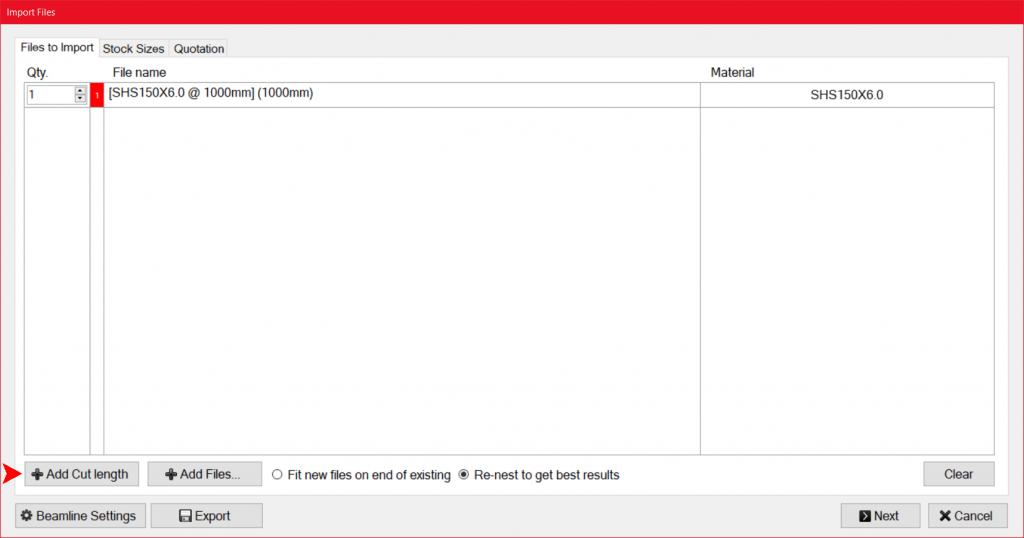
Cut to length
Sometimes you may require to process cut to length parts with square cuts on both ends (Straight cuts).
You can easily create cut to length parts without a file by going to the “file” menu in main.

Then select “Cut To Length”.

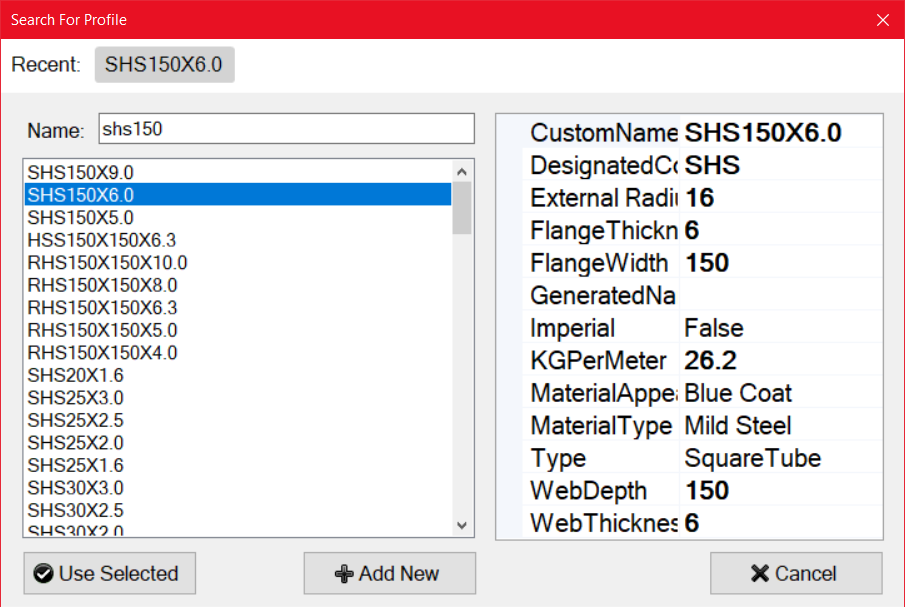
You will be prompted to select a profile section, type in the desired profile, and select it, then press “Use Selected”.
You will be prompted to enter the length of the part, enter the required length, and press the tick button.
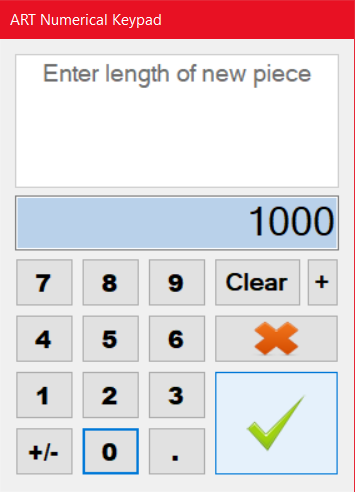
You will be prompted to enter lengths until you press the X button.
You will be taken to the nesting page, to continue nesting.
To add a different section of cut to length parts press the “Add Cut Length” button at the bottom left of the nesting page.