
Camera calibration with datum
**Please note this feature is only available on machines fitted with the new datum calibration system***
We use the calibration sequence to ensure the arm is where the controller thinks it is. If the arm has had a collision with the material or the floor it can cause the arm to become ever so slightly out of calibration, this over the multiple joints of the arm can cause issues with cutting and sensing so it is always recommended to calibrate the machine at least once a week even if the arm has not had a collision.
Please ensure the drawbridge clamps are open and the drawbridge can move freely.
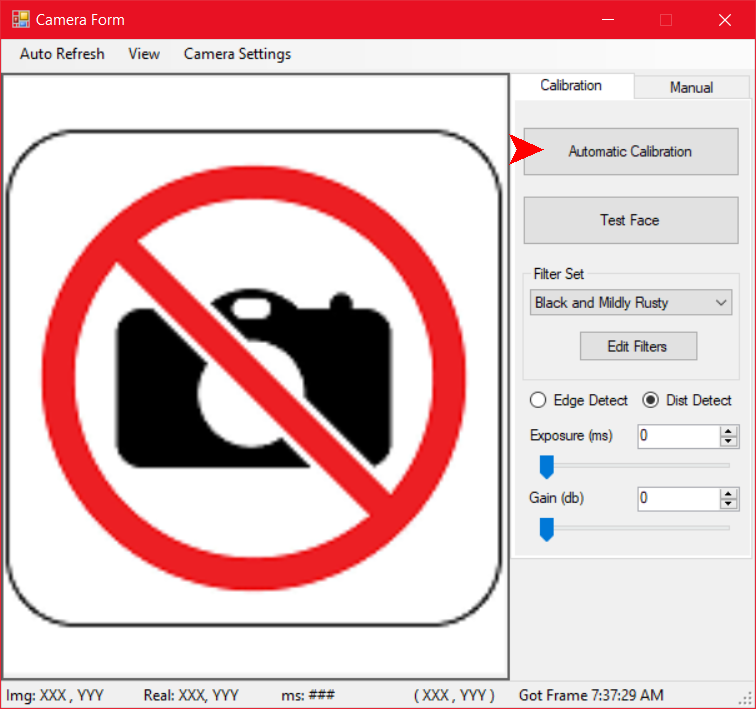
In the camera sensing window select “Automatic Calibration”.
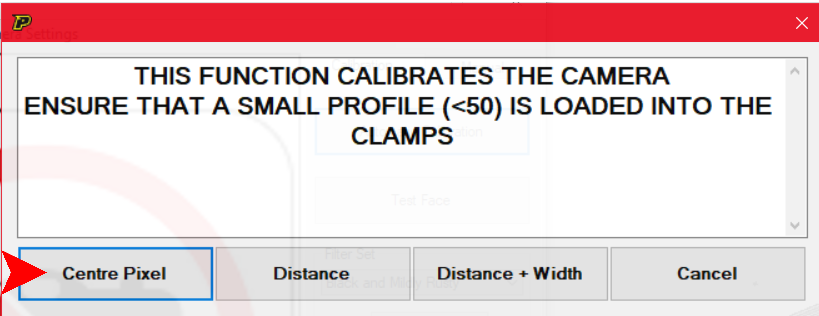
Select “Centre Pixel” and wait for the machine to finish its calibration on the datum.
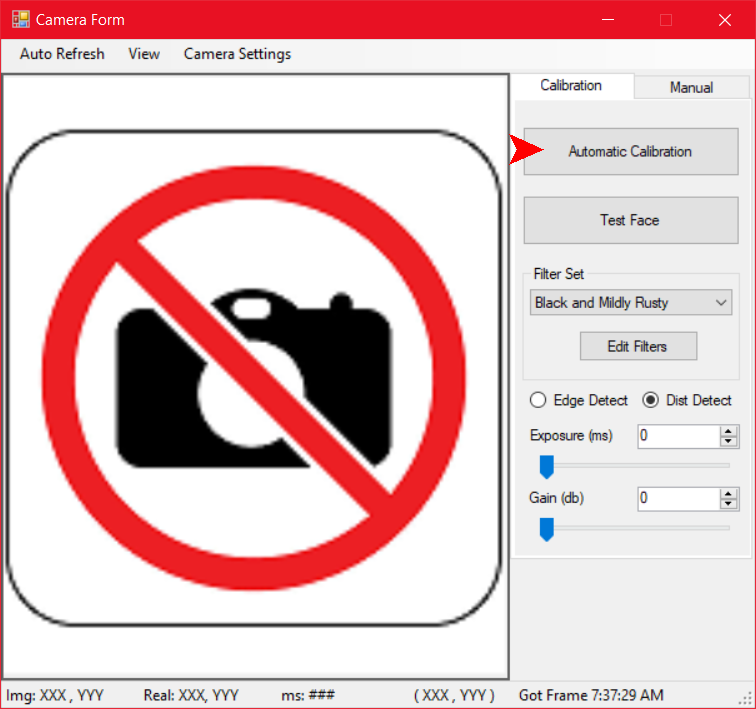
In the sensing, window select “Automatic Calibration” again.
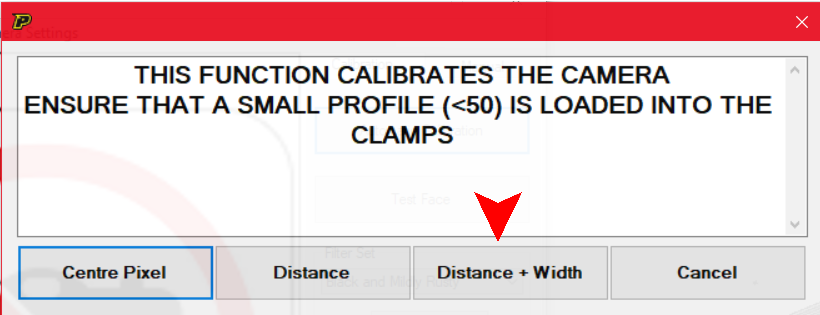
Select “Distance + Width” and wait for the machine to finish its calibration on the datum.
The camera is now calibrated.