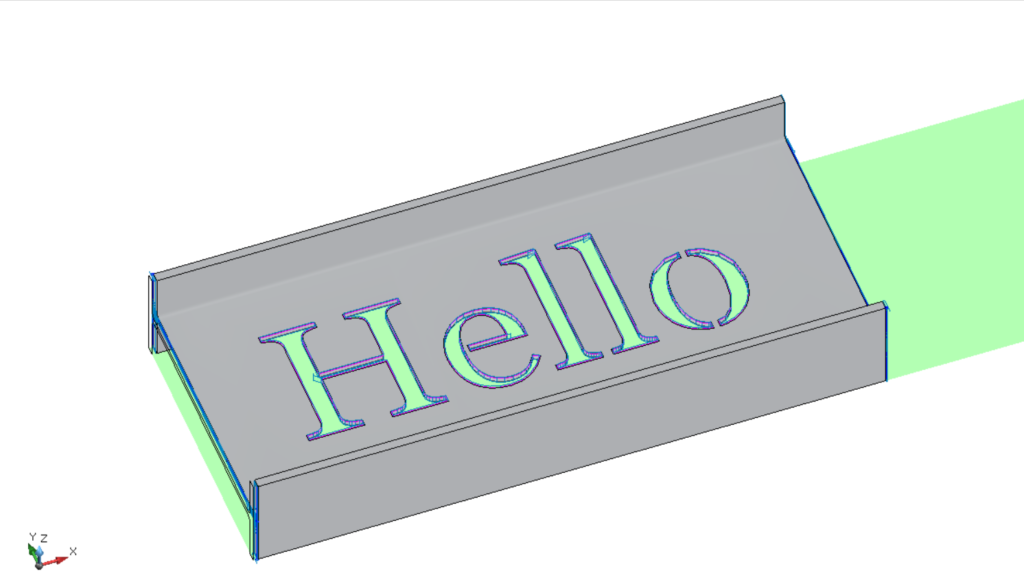
Text stencils
Once you have written your text and sized it, appropriately position it where you need to and change to the appropriate layer.
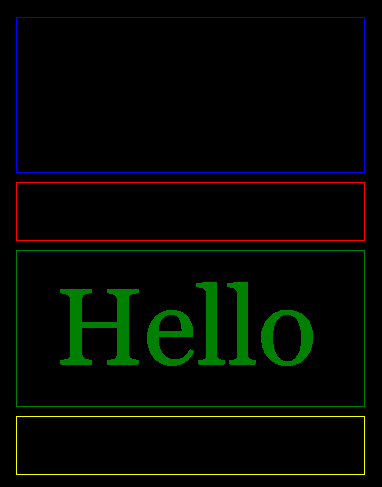
Select the text and enter in the command window “Explodetext”.
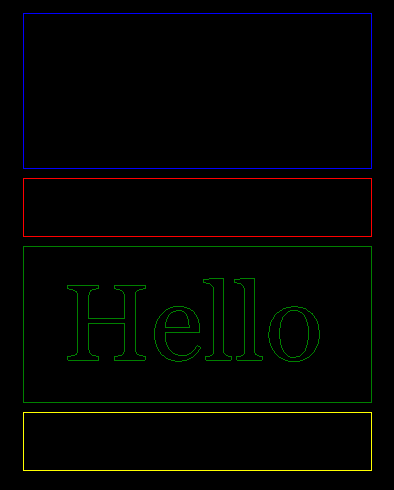
Once the text has been exploded you will need to add stencil joins in order to keep the internal parts connected (If you are cutting the text out of a member to keep the cutouts, disregard the previous step).

Load the file into ProfileShop to check that all connecting tabs will work.